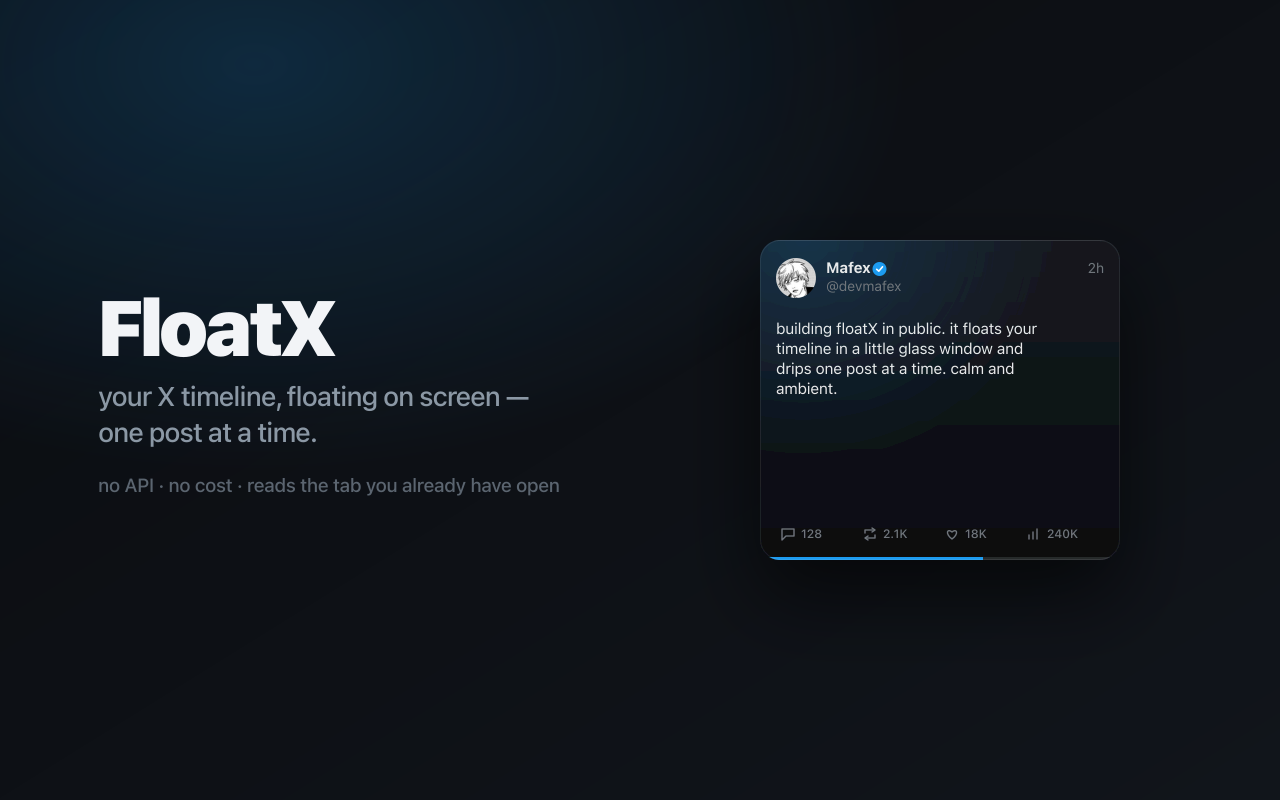
FloatX

Your timeline,
floating on screen.

One post at a time, in a small glass window that stays out of your way. No API. No cost. No new tab.

FloatX floating posts on the desktop

It just floats there.
You glance. You move on.

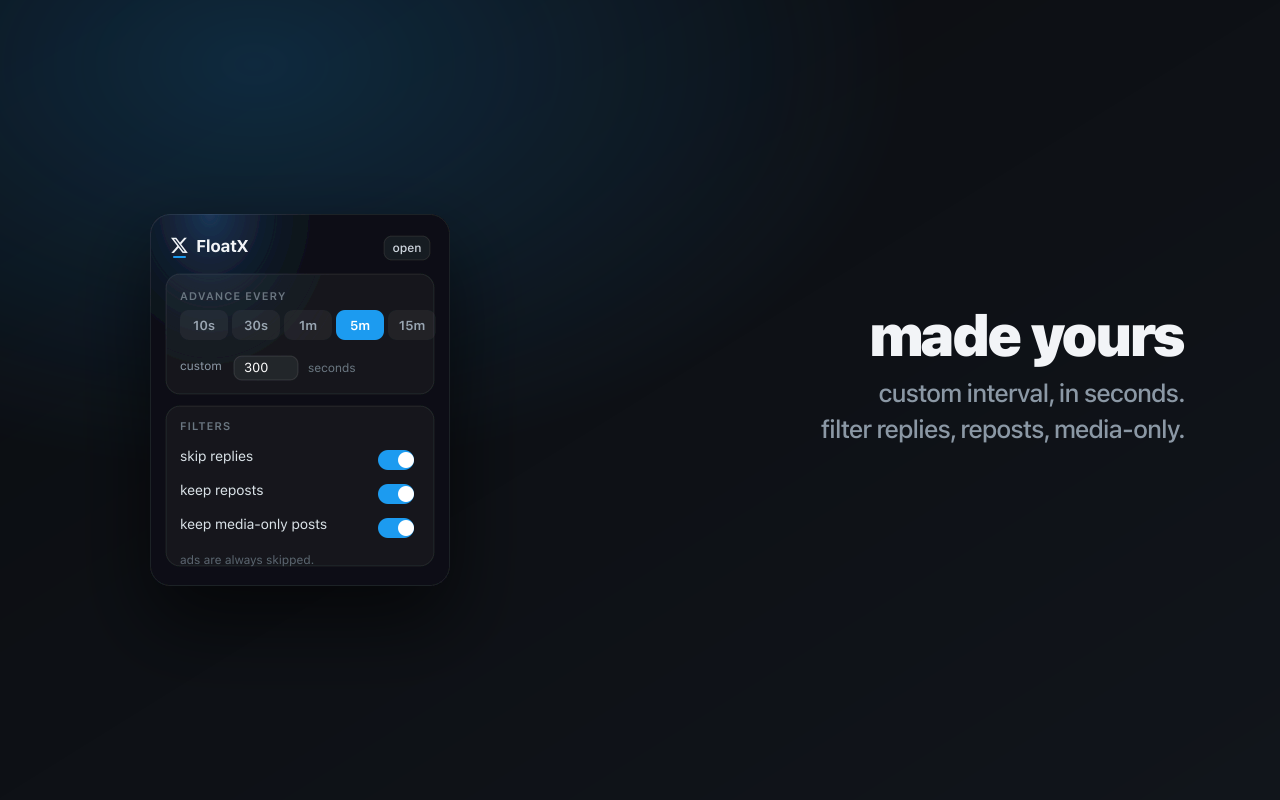
FloatX hosts your own logged-in X session and drips your feed into a single always-on-top card. It auto-advances on a timer you set — from seconds to hours — so the feed comes to you instead of pulling you in.

The FloatX glass card

Native Mac app

Real Liquid Glass.
Not a web page in a window.

A genuine macOS menu-bar app with a glass widget you can resize (S/M/L/XL), make more or less transparent, or pin to the wallpaper in desktop mode. Lives in the menu bar — no Dock clutter.
FloatX size and transparency settings

Hover controls

Everything where
your cursor already is.

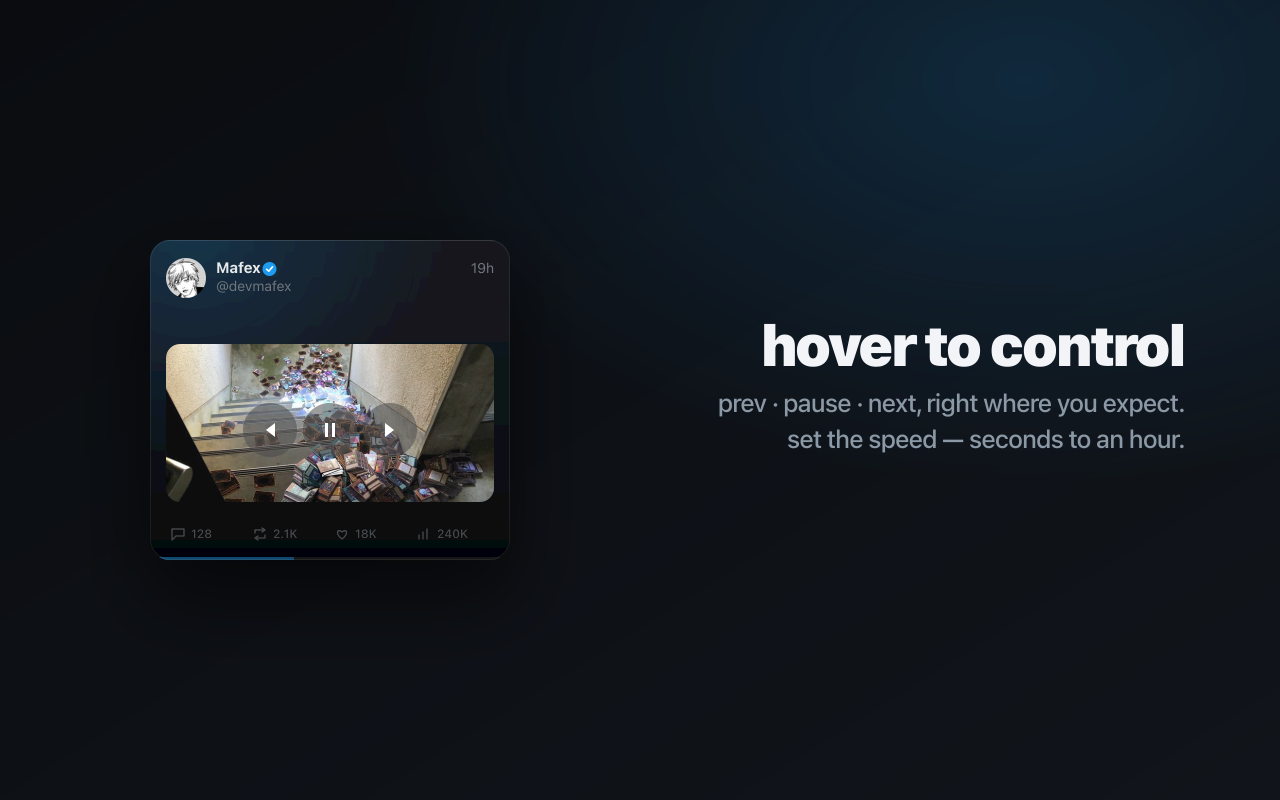
Prev, pause, and next appear when you hover the edges. Like, repost, and translate act in place in your own session — no round-trip to the browser. Inline video plays right in the card, then moves on.

FloatX hover controls

Your feed, untouched

No API. No cost.
Nothing leaves your Mac.

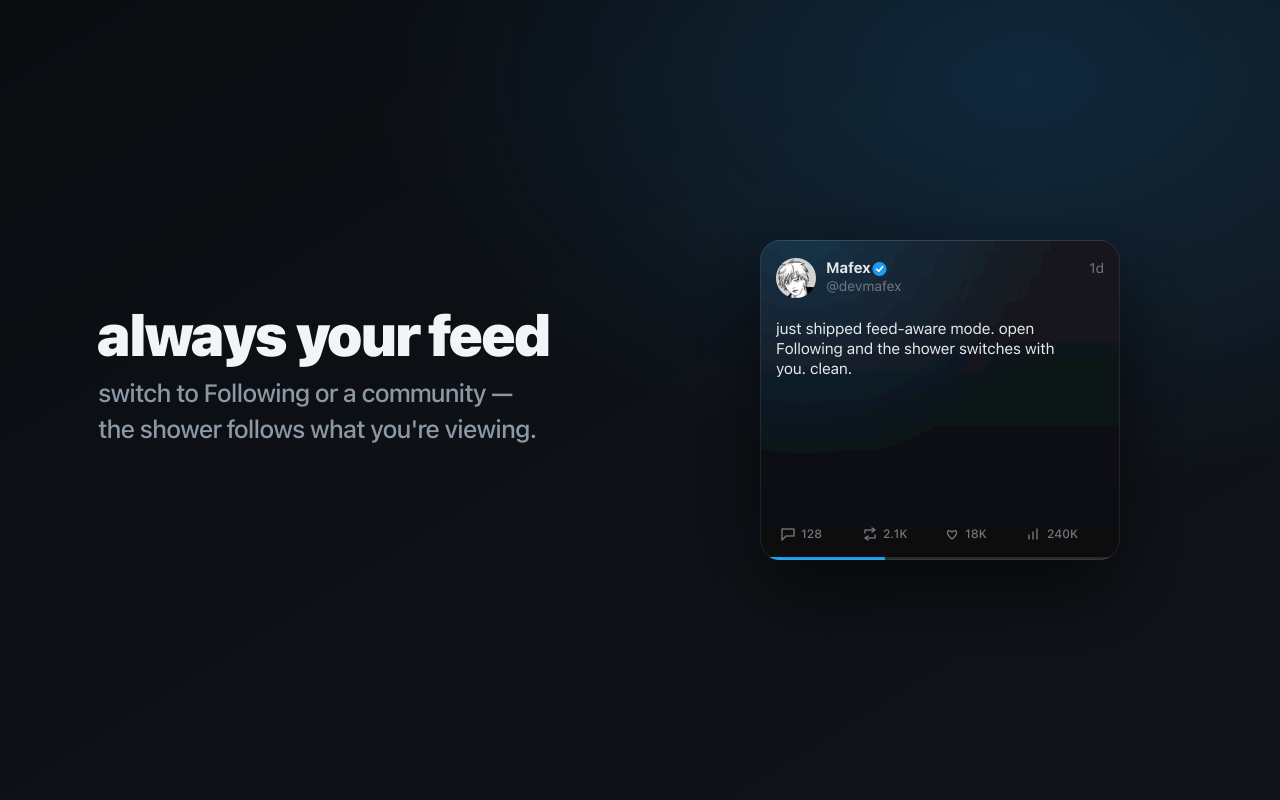
FloatX reads the feed you already see when you log in — no developer keys, no subscriptions, no servers. Need the whole thing? Open the full scrollable timeline in-app whenever you want.

FloatX full feed view
AmbientAuto-advances on your interval, seconds to hours.
Inline videoX videos play in the card, then advance when done.
TranslateNon-English posts get a one-tap translation.
Desktop modePin the widget behind your windows, onto the wallpaper.
ResizableFour sizes and adjustable transparency.
PrivateReads only your session. Makes no API calls.

Get it in a minute.

Browser extension

Chrome · Edge

Floats your feed in a Picture-in-Picture window. Lighter, but needs the browser open (video shows as a poster).

Add to Chrome
  1. Click the button above to install from the Chrome Web Store.
  2. Open x.com → click the FloatX pill (or press ⌥⇧X).

Stop opening the tab.

Get FloatX